by CoolHappy
4.9 (53 reviews)
Floating Chat Buttons – Click to Call or Chat, Email
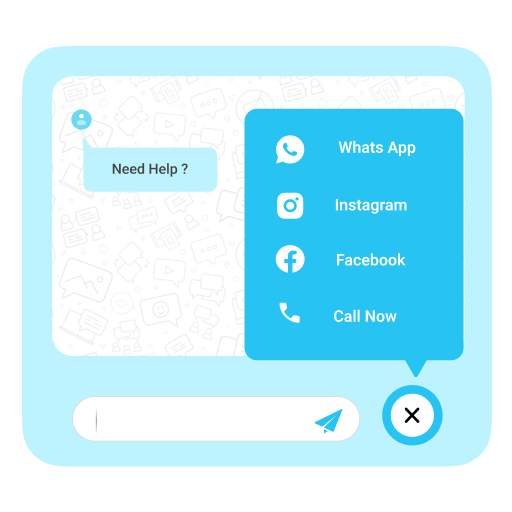
Elevate user engagement through Floating Chat Buttons, facilitating immediate connections via chat, email, callback, and additional channels.
Compatible with WP 6.9
v1.2.6
Current Version v1.2.6
Updated 1 week ago
Last Update on 09 Dec, 2025
Synced 14 hours ago
Last Synced on
Rank
#5,363
—
No change
Active Installs
2K+
—
No change
KW Avg Position
159
—
No change
Downloads
40.9K
—
Total downloads
Support Resolved
0%
—
No change
Rating
98%
Review 4.9 out of 5
4.9
(53 reviews)
Next Milestone 3K
2K+
3K+
925
Ranks to Climb
-
Growth Needed
2,058
Current Installs
Need 942 more installs to reach 3K+
Rank Changes
Current
#5,363
Change
Best
#
Active Installs Growth
Current
2,058+
Growth
Peak
2,058
Downloads Growth
Downloads
Growth
Peak
Reviews & Ratings
4.9
53 reviews
Overall
98%
5
50
(94%)
4
2
(4%)
3
1
(2%)
2
0
(0%)
1
0
(0%)
Tracked Keywords
Showing 3 of 3| Keyword | Position | Change | Type | Updated |
|---|---|---|---|---|
| whatsapp chat | 96 | — | Tag | 17 hours ago |
| click to call | 184 | — | Tag | 17 hours ago |
| 197 | — | Tag | 17 hours ago |
Unlock Keyword Analytics
Track keyword rankings, search positions, and discover new ranking opportunities with a Pro subscription.
- Full keyword position tracking
- Historical ranking data
- Competitor keyword analysis
Track This Plugin
Get detailed analytics, keyword tracking, and position alerts delivered to your inbox.
Start Tracking FreePlugin Details
- Version
- 1.2.6
- Last Updated
- Dec 09, 2025
- Requires WP
- 5.0+
- Tested Up To
- 6.9
- PHP Version
- 7.2 or higher
- Author
- CoolHappy
Support & Rating
- Rating
- ★ ★ ★ ★ ★ 4.9
- Reviews
- 53
- Support Threads
- 0
- Resolved
- 0%
Keywords
Upgrade to Pro
Unlock keyword rankings, search positions, and detailed analytics with a Pro subscription.
Upgrade Now



Frequently Asked Questions
Common questions about Floating Chat Buttons – Click to Call or Chat, Email
You can easily add a WhatsApp chat button using the Floating Chat Buttons plugin. Simply enter your WhatsApp number in the settings, and the button will appear on your website for instant chat.
Yes, you can choose whether to display the chat buttons across the entire website or only on selected pages.
The plugin supports WhatsApp, Facebook Messenger, Instagram, Skype, Slack, Telegram, Viber, Twitter, Email, and direct phone calls. You can also add your own custom links.
Floating Chat Buttons includes a callback feature. Visitors can request a call back, and you’ll be notified to return their call.
Yes, you can change the style, colors, and placement of the buttons to match your website’s look.
Yes, it fully supports RTL languages like Arabic, Hebrew, and Urdu.
Yes, you can display multiple buttons (e.g., WhatsApp, Email, and Call Now) together. Visitors can then choose their preferred contact method.